Review
About required review
Users can enable the review in the deploy.yml file for each environment, and the users who review are specified here. Reviewers must have at least read permission.
envs:
  - name: production
    review:
      enabled: true
      reviewers: ["octocat", "dreamer"]
After the review is enabled, reviews are requested when a user deploys. And the deployment waits until a review is approved and has a status of waiting. Only one of the required reviewers needs to approve it to proceed. If one rejects it, deployment is not possible. If a deployment is not approved within 30 minutes, it will be automatically canceled.
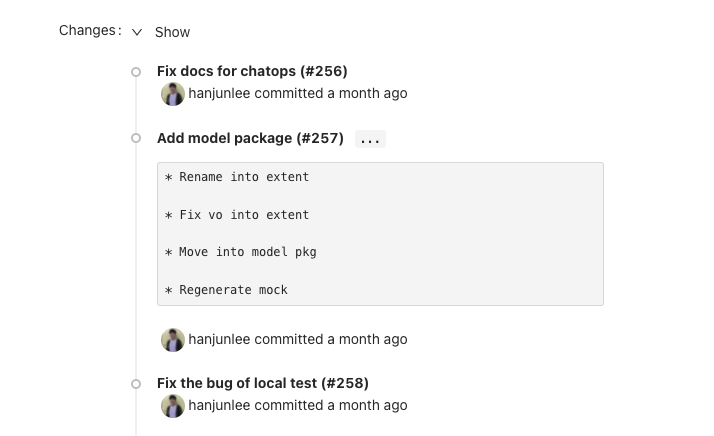
The notification will navigate to the deployment page when a review is requested. And when the reviewer presses the 'Review' button on the page, a pop-up shows options for approval and rejection. To approve, click Approve and Deploy. After approved, the deployment will proceed (after any deployment protection rules have passed).
Pro Tips
Confirm Changes
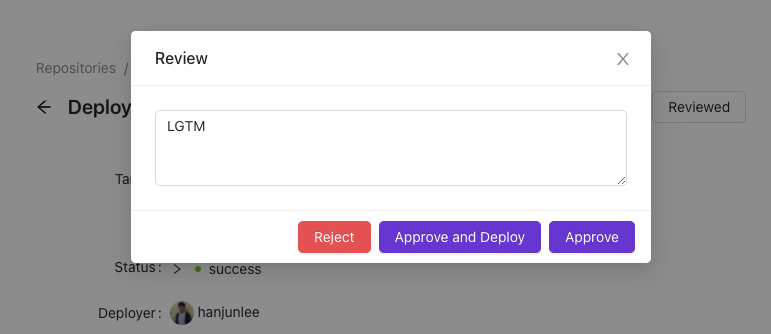
The 'Changes' field at the bottom of the page shows what changes have been made. Reviewers can quickly check what has changed through the commit messages.